
Runs fully in your browser — your text is never uploaded.
Tamil Unicode Converter — Free Online Tool
Paste text typed in an old Tamil font — Bamini, TSCII, or Shree Lipi — and convert it to clean Tamil Unicode in one click. The converter runs entirely in your browser, so your text is never uploaded.
What Is Unicode in Tamil?
Unicode is the modern, universal way computers store Tamil letters. Every Tamil character — அ, க், ஸ்ரீ — has one fixed code that every device agrees on. Because the meaning of each letter is built into the text itself, Tamil Unicode displays correctly on any phone, any browser, and any operating system, without a special font.
Older Tamil fonts such as Bamini, TSCII, and Shree Lipi worked differently. They stored Tamil by borrowing English letter slots and drawing Tamil shapes on top. So a Bamini file is really English letters wearing a Tamil costume — remove that one font and the Tamil disappears. That is the core difference, and the reason converting old Tamil fonts to Unicode is worth doing.
Unicode vs old Tamil fonts — at a glance
| Old fonts (Bamini / TSCII / Shree Lipi) | Unicode | |
|---|---|---|
| Shows correctly | Only where that font is installed | Everywhere — phones, web, Word |
| WhatsApp & social | Breaks into wrong letters | Works normally |
| Google search | Not searchable as Tamil | Fully searchable |
| Copy & paste | Loses the Tamil | Keeps the Tamil |
How to Convert a Tamil Font to Unicode
Converting a Tamil font to Unicode takes a few seconds with the tool above.
Open your old document (Word, PageMaker, InDesign, or a text file) and copy the Tamil text that was typed in Bamini, TSCII, or Shree Lipi.
Choose the matching source font in the converter, then paste your text into the input box.
The Tamil Unicode version appears instantly in the output box.
Copy the Unicode text and paste it wherever you need it.
If you are not sure which old font your text used, try Bamini first — it is the most common — and compare the result. The correct source font is the one that produces readable Tamil.
Which Old Tamil Fonts This Converter Supports
The tool converts the three most common legacy Tamil encodings, in both directions:
| Font / encoding | Where you’ll have seen it |
|---|---|
| Bamini | The most widely used old Tamil font — typing work, DTP, government and office documents |
| TSCII | An older Tamil standard used on early websites and many legacy files |
| Shree Lipi | Common in printing and publishing layouts |
Unicode to Tamil Font (Reverse)
Sometimes you need the opposite direction — taking Tamil Unicode and turning it back into a legacy font like Bamini, for a printing house or a DTP file that still uses the old system. Switch the converter to the reverse direction, pick the target font, and copy the result. Most people need Unicode as the output, but the reverse is there for print and publishing work.
Where Your Converted Tamil Unicode Works
Once your text is in Unicode, it behaves like any normal Tamil text and displays correctly without a special font:
| WhatsApp & social media | Paste it into messages, status, bio, or captions — it shows the same for everyone. |
| MS Word & documents | Paste it straight in; it stays as real Tamil and you can pick any Tamil font. |
| Websites & email | Works everywhere and stays selectable and copyable. |
| Google & search | Becomes real, searchable Tamil text. |
Tamil Unicode Converter — FAQs
How do I convert a Tamil font to Unicode?
Copy the Tamil text from your old document, choose its source font (Bamini, TSCII, or Shree Lipi) in the converter above, and paste it in. The Unicode version appears instantly — copy it and use it anywhere.
How do I convert Unicode back to a Tamil font?
Switch the converter to the reverse direction, paste your Tamil Unicode text, choose the target legacy font, and copy the result. This is mainly useful for printing and DTP files that still rely on old fonts.
Which old Tamil fonts does this converter support?
Bamini, TSCII, and Shree Lipi — the three most common legacy Tamil encodings. If you’re unsure which one your text uses, try each source option and keep the one that produces readable Tamil.
What is Unicode in Tamil?
Unicode is the standard way of storing Tamil letters so they display correctly on every device without a special font. Each Tamil character has one fixed code shared by all phones, browsers, and operating systems.
Will my converted text work on WhatsApp and in Word?
Yes. Unicode Tamil displays correctly everywhere — paste it into WhatsApp, Word, websites, or email and it stays as real, readable Tamil for anyone who sees it.
Is my text uploaded anywhere?
No. The conversion happens entirely in your browser. Nothing you paste is sent to or stored on any server.
Can I convert on my phone?
Yes. The converter works in your phone’s browser the same as on a computer — paste, convert, and copy the result. Nothing needs to be installed.
More Tamil Font Tools
Other tools on the site:
Convert Your Tamil Text Now
Paste your Bamini, TSCII, or Shree Lipi text into the converter and get clean Tamil Unicode you can use on any device.
Go to the Converter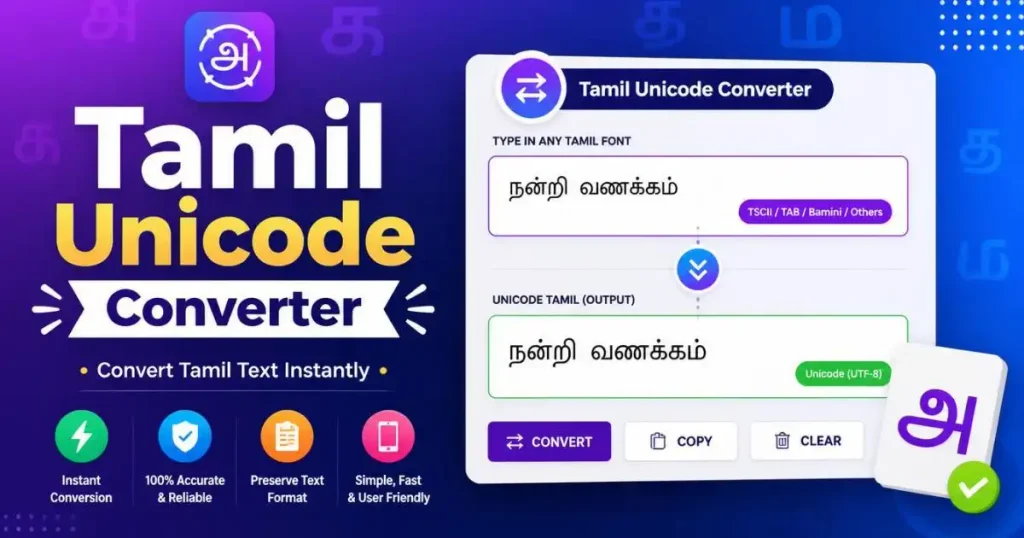
Tamil calligraphy fonts free tool and stylish tamil name